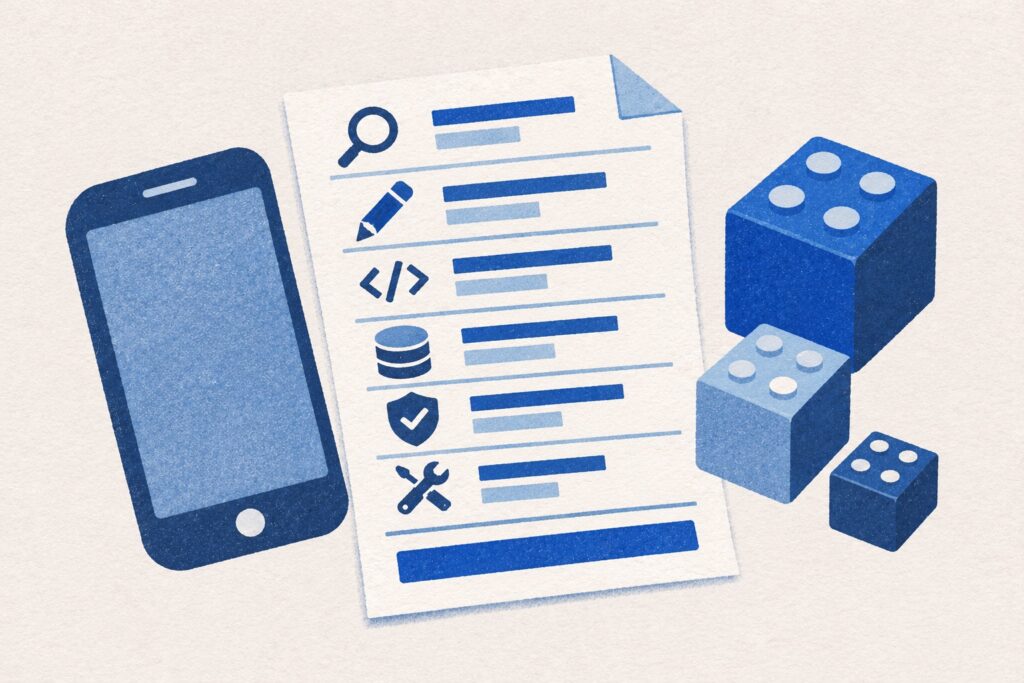
A first business app should let someone complete a useful task. That sounds straightforward until the feature list starts growing: customer accounts, staff dashboards, notifications, payments, reporting and several connections to existing software.
The way to control that scope is to choose a complete process and make it work well. For a business in Kent considering a web or mobile app, this gives the first release a clear purpose and makes development easier to discuss. It can suit a small team improving a process or a larger organisation testing a new service.
Define one problem and the people who experience it
Describe what people do now and where the process breaks down. They may copy the same information between spreadsheets, lose track of requests in email, or have to call someone to check a status.
Then identify the users. “Customers and staff” is a starting point, but different people may need different permissions and information. A customer submitting a request is not doing the same job as the member of staff who approves it.
Write the desired change in plain language: “Customers can submit a service request and see its status without calling the office.”
Choose a complete journey for the first release
Work through the journey from the user’s first action to the point where the task is finished. Do not stop at the most visible screen. Someone also needs to receive the information, make the necessary decision and deal with problems.
For the service-request example, a first release could include:
- A customer submits a request with the information the business needs.
- An authorised member of staff reviews it and asks for missing details.
- The team accepts or declines the request and updates its status.
- The customer can see the outcome.
- The business has a clear record of what happened.
This is a possible scope, not a universal feature list. A booking tool, internal dashboard or shared shopping app will have a different journey. The important test is whether the selected users can complete the promised task.
Separate essential features from useful later ideas
Ask what would prevent that first journey from working. Those features deserve attention before extras that make the product more flexible or impressive.
In the example above, permissions and a way for staff to find new requests may be essential. Advanced analytics, a loyalty scheme or a second payment method may be later work. The answer depends on the business model and the users; it should not be decided by a standard app checklist.
Keep a record of deferred ideas and the reason for deferring them. That avoids losing useful thinking while making it clear what is included in the development proposal.
Account for exceptions, access and administration
A short feature list can still contain substantial work. Consider what happens when someone enters the wrong information, a request is duplicated, a member of staff leaves, or a user needs help accessing an account.
Define who can view, edit, approve or remove information. Work out what the business needs to administer itself and which changes would require development. Customer-facing screens and administration tools often need to be planned together.
Also discuss the information the app will store, who needs it and how long it is required. Security, privacy and reliable operation belong in the scope from the beginning. Decide who can see customer information, what needs to be kept and what can be deleted. Discuss any special requirements before the build.
Choose web or mobile around the process
A browser-based app can be useful when people need access from different computers and phones without installing anything. An installed mobile app may be appropriate when the process depends on particular device capabilities or frequent use on a phone.
Offline behaviour, notifications, supported devices and any app-store distribution need to be considered in context. They affect design, testing and maintenance, not just the initial build.
Our web app versus native phone app guide explains the choices. You can also read when a business web app makes sense and when to consider a native mobile app. Choose the platform after understanding the job the product must do.
See how we chose what to build into Pistio for an example of using real situations, like finding a booking address or opening a ski map without signal, to decide what the app should do.
Check connections to existing systems early
List the software that holds information the app needs. Explain which system should remain the main record and where information needs to move in each direction.
Before treating an integration as an agreed feature, check the available access, documentation, permissions and any third-party charges. Ask what information can be shared, how often it can update and whether the software supplier charges for the connection.
If the first release can operate with a simpler process, record the limitations and the work someone will need to do. A temporary manual step can be a conscious decision, but it should not quietly become a permanent burden on the team.
Agree what you will test before launch
Define a small set of outcomes that can be demonstrated. “The dashboard is finished” is less useful than “An authorised member of staff can find a new request, change its status and show the updated status to the correct customer.”
Test the normal journey and important exceptions. Include the devices and browsers you have agreed to support, different user roles, error messages and the information someone receives when a task succeeds or fails.
Plan how real users will try the product and how feedback will be recorded. A first release gives you something to learn from; it does not remove the need for a usable, reliable experience.
When you are ready to discuss a quote, see what affects the cost of a business phone app. Use it to check that the estimate includes the work around each feature.
Plan ownership and the next release
Clarify responsibility for source files, hosting, accounts, deployment, backups and ongoing support. Agree how software updates and future changes will be handled. These decisions matter whether you are commissioning an internal tool or launching a product for customers.
After launch, look at where users complete the journey, where they need help and what the team still has to do manually. Choose the next development work from that evidence and business priorities, rather than automatically building the rest of the original wish list.
For a starting document, use our app development brief checklist. You can also explore Reveli, Pistio and Squario, our own products, to see examples of the types of experiences we build.
smitsocial.media develops web and mobile apps for businesses in Kent, from small teams to businesses planning a new customer-facing service. Tell us the process you want to improve, who uses it and any important constraints. We can discuss a practical starting scope.