A web app opens from a link. A native phone app is built for iPhone or Android and installed on the device. Both can help customers or staff get something done; the right choice depends on what they need to do and where they will use it.
If you are planning an app for your business, start with that job. Someone checking a booking once a month has different needs from a member of staff recording work on a phone all day.
What is the difference?
A web app
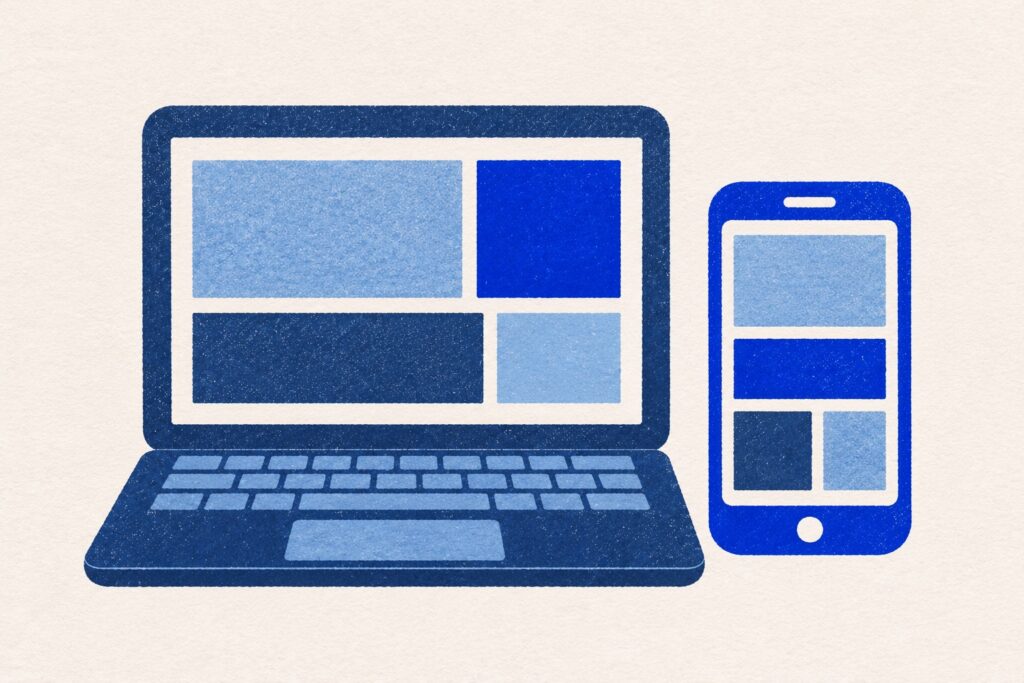
People open a web app in their browser on a computer, phone or tablet. It might let them manage a booking, check a request or use a shared work list. You can send them a link rather than asking them to download an app.
A website that explains your services helps people decide whether to contact you. A web app lets them carry out a task. A business can have both in the same website.
A web app on the home screen
Some web apps can be added to a phone’s home screen. People tap an icon to reopen them instead of looking for a saved link. This is often called a progressive web app, or PWA. It is still a web app, with a more convenient way to open it.
If you want people to keep working without an internet connection, decide which jobs they need to finish. We can plan what is saved on the phone and what is sent back when it reconnects.
A native phone app
A native app is built specifically for a platform, such as iPhone or Android. It is installed on the device and designed around how that platform works. This can be useful when people use the product frequently on their phone or need particular phone features.
A cross-platform phone app
Some installed phone apps share parts of their code between iPhone and Android. This is called a cross-platform approach. It can reduce some repeated development work, but the experience still needs to be designed and tested for both platforms.
Your developer should explain the suggested approach in terms of what you gain, what it costs and what you will need to maintain.
Start with how often people will use it
If customers only need occasional access, a link can be convenient. They can open it when they need to review a document or check an update without installing something they may rarely use.
If the product becomes part of a daily routine, an installed app may be worth the extra step. Think about how people first find it, sign in and return. The app needs to make that routine easier.
Read when a business web app makes sense and when a native phone app is worth considering for examples of each.
Check the phone features that matter
Write down what people need to do with the camera, location, files or notifications. “Take a picture” might mean one quick photo or a set of photographs attached to a job. Those are different experiences to plan.
A phone browser can handle many useful tasks. Before choosing an installed app for a particular feature, ask to see how the important task would work on the devices your customers or staff use.
Decide what must work without the internet
Reading information saved earlier is different from adding new records or editing something another person is also changing. Describe the situation in ordinary terms: “Our team needs to record work at a site with poor reception and send it back later.”
Then agree what the user will see, how their work is saved and how they know it has reached the office. Offline use needs planning for web apps and installed phone apps.
For a real example, see how we built Pistio. Skiers can download a resort map before heading out, then open it when the signal drops.
Include the people who manage the work
The customer-facing app may be only half of the service. Someone in the office may need to review requests, correct details or help a customer. They may be better served by a browser-based screen, even when the customer uses a phone app.
List who can see and change each piece of information. A customer, an administrator and a member of the field team may all need different views of the same job.
Compare the ongoing work
A web app needs hosting, maintenance and checks on the browsers you support. An installed phone app also needs arrangements for distribution, phone software changes and testing on the supported devices.
Ask who owns the accounts and source files, what the recurring costs cover and how future changes are agreed. Sharing code between platforms may save some work, but it does not remove these responsibilities.
Use a short decision brief
- Who will use the app?
- What should they be able to finish?
- Will they use it every day or only occasionally?
- Will they use a phone, a computer or both?
- What must work when the internet connection drops?
- Who receives and manages the information?
- What would make the investment worthwhile?
Use our app development brief guide to prepare for a conversation, then choose the essential features for the first release.
Choose around the task your business needs to do
For occasional customer access or office work across different devices, a web app is a useful place to start. For regular work on a phone or a product built around phone features, look closely at an installed app. Some businesses need both.
smitsocial.media builds web and mobile apps for businesses in Maidstone and across Kent, including small businesses. Tell us who will use your app and what they need to do. We can help you choose a suitable starting point.