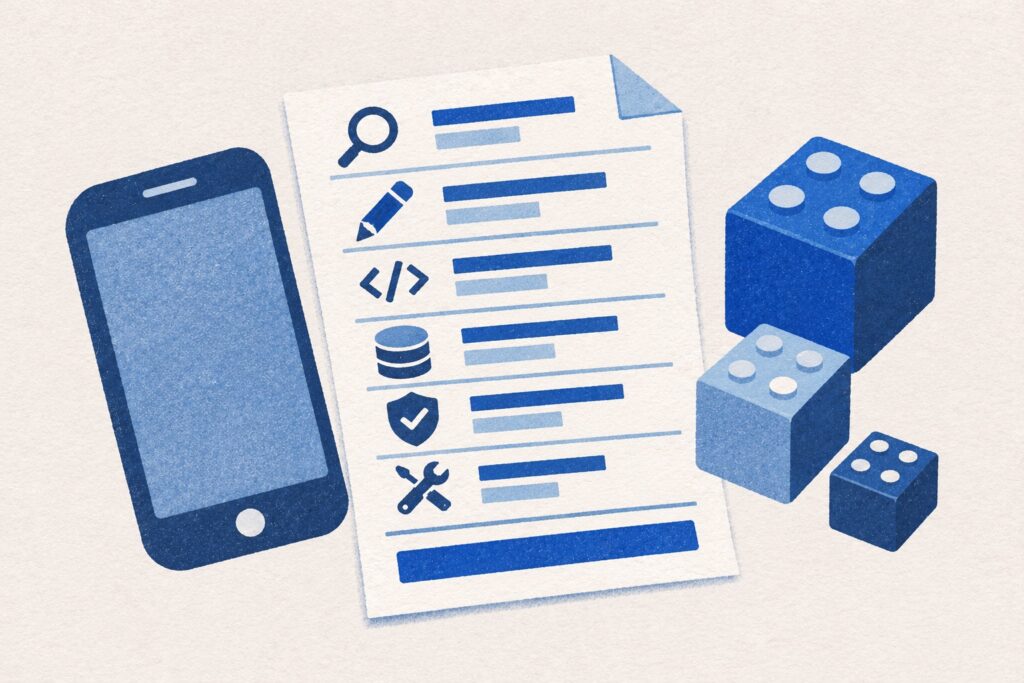
A useful app development brief explains the problem before listing features. It gives a developer enough context to question assumptions, suggest an approach and identify the work involved.
You do not need a technical specification to begin. You need a clear account of who the app is for, what they are trying to do and what a successful first version would change. Here is a practical structure for a Kent business commissioning a web or mobile app.
Describe the problem in ordinary language
Start with the current process. What happens today, who does the work and where does it become slow, repetitive or confusing? Include a real example with personal or confidential information removed.
Compare “we need a customer app” with “customers telephone the office to ask whether a job is ready, and staff check three separate records before replying.” The second version gives you a process to investigate. It might call for an app, an improvement to existing software or a simpler change to the process.
Name the users and their main tasks
Separate the people involved. A customer may need to submit a request, an employee may need to update progress, and a manager may need to review exceptions. Give each group a small number of essential tasks.
For each task, describe the starting point, the action and the expected result. Also explain what users should not be able to do. Permissions are part of the product: someone seeing their own record is different from someone seeing every customer’s records.
Walk through one complete journey
Choose the process that matters most and follow it from beginning to end. For an illustrative appointment app, that might mean choosing a service, viewing availability, requesting a time and receiving confirmation. Then ask what happens if the appointment changes or cannot be accepted.
Exceptions often reveal requirements that a feature list misses. Consider duplicate submissions, missing information, failed connections and the person responsible for resolving a problem. The first version should complete a useful journey even if it supports fewer journeys overall.
Define the smallest useful first release
The first version should let someone finish one useful job. Keep it focused, put it in front of the people who will use it, and use their feedback to decide what to add next.
Sort ideas into essential for the first journey, useful after testing, and later possibilities. A booking system may need a reliable confirmation process before it needs a loyalty scheme. A staff tool may need clear job ownership before it needs an elaborate reporting dashboard.
Write a testable example: “An authorised customer can submit one request, receive a reference and see its current status; an administrator can update that status.” That is easier to assess than “an intuitive customer portal”.
List platforms, devices and connection needs
Say whether people will use desktop browsers, phones, tablets or a mix. If the platform is undecided, describe the needs instead of choosing a technology prematurely. Our web app versus mobile app guide can help you frame that decision.
Be precise about offline requirements. Reading saved data, creating new records and editing shared records without a connection involve different design decisions. Include the devices you can use for testing.
List the information and software involved
List the information the app needs and where it comes from. Do you already have a booking tool, accounting system or customer database? Name those systems and explain what must pass between them. Check early that the software can share the information your app needs.
Explain which information is private, which roles can see it and whether existing records need to be moved. Share sample structures without including live customer details in an initial brief.
Include the work around the app
Remember the screens for your office team, help for new users and a way to ask for support. Decide who will manage accounts, respond to issues and keep the service running after launch.
Also discuss ownership and access: source code, hosting, domains, app-store accounts and third-party services. Record what is included in the build and what is an ongoing responsibility. Clear arrangements make future maintenance and handover easier.
Agree how the first version will be accepted
Use a short set of observable tests. Can each role complete its task? Are permissions correct? Does the app behave sensibly when a connection fails? Can the administrator handle the exceptions you identified?
Choose an outcome to monitor after release. For an internal tool, that might be less time spent on a specific administrative task. For a customer product, it might be the proportion of new users who complete the main journey. Record a baseline where possible so you have something useful to compare.
If you want to understand how these decisions affect the quote, read what affects business phone app costs. It covers the first release, phone features, existing software and support after launch.
Your first brief can fit on a few pages
- The current problem and one example.
- The user groups and the task each needs to complete.
- The first complete task, including important exceptions.
- Essential features and a separate list for later ideas.
- Devices, connectivity, data and existing systems.
- Available budget, timing constraints and the reason behind them.
- Testing, ownership and ongoing support expectations.
smitsocial.media develops web and mobile apps for Kent businesses. Our products include Reveli, a hen-party planner, and Squario, an app for shared spending. They show the kinds of practical user journeys that can sit behind an app idea.
Send us your outline, even if it is still a few paragraphs. The first conversation can focus on what to prove, what needs investigating and what belongs in the first release.
Help with the decisions in your brief
Read about business web apps and native phone apps if you are still choosing an approach. Our first-release features guide helps you decide which ideas belong in the first build.